Split CSV by Rows
With DataOlllo’s free CSV Splitter, you can break down massive CSV files into smaller chunks by row count — whether it’s 10,000 rows, 50,000 rows, or a custom value. Work faster, avoid Excel crashes, and handle your data offline.
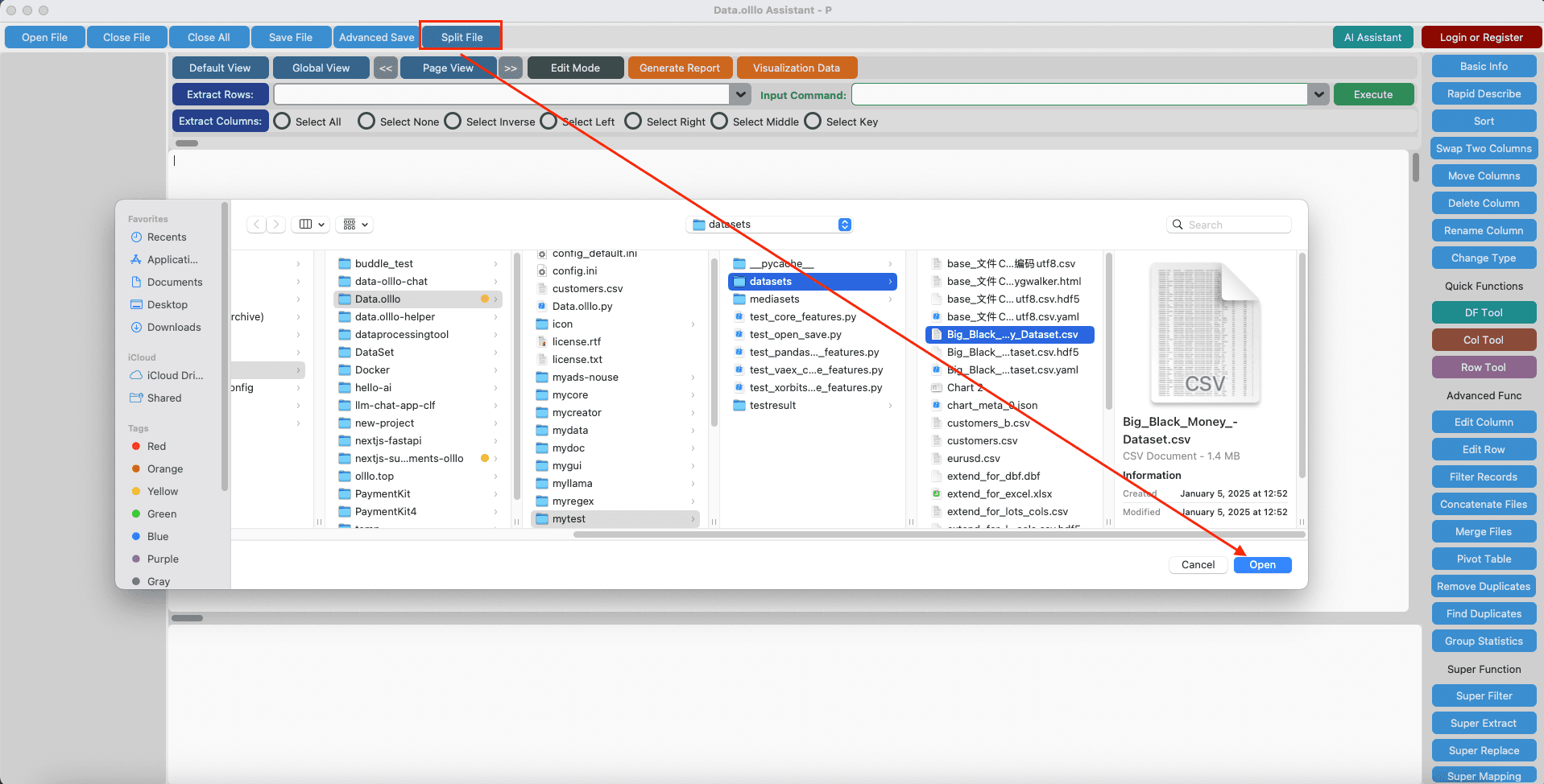
How to Split CSV by Rows
- Click “Split File” button.
- Select your large CSV file in DataOlllo.
- Choose a target row count (e.g., 10,000, 50,000, or custom).
- Click “OK” and save multiple smaller files instantly.
Want more splitting options? Try the full tool.
Go to CSV Splitter →